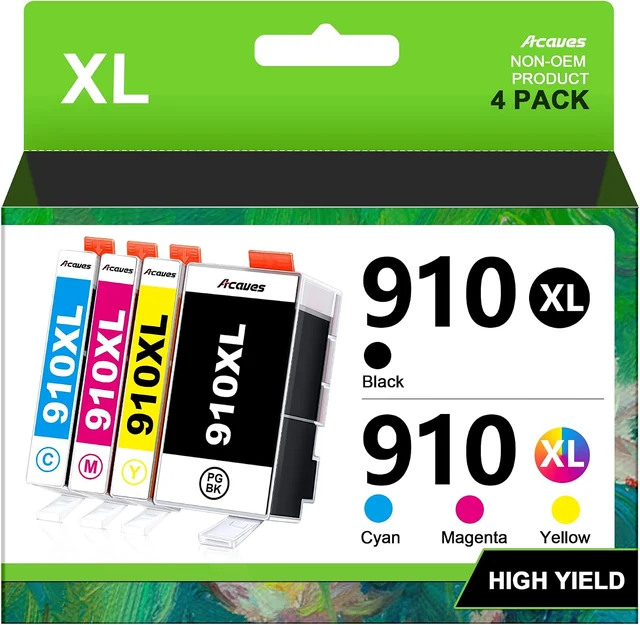
For Hp printers
Acaves 910XL
Four individual cartridges: black, cyan, magenta and yellow.
Chips included. Not for printers with activated HP+.
$36.98Price checked
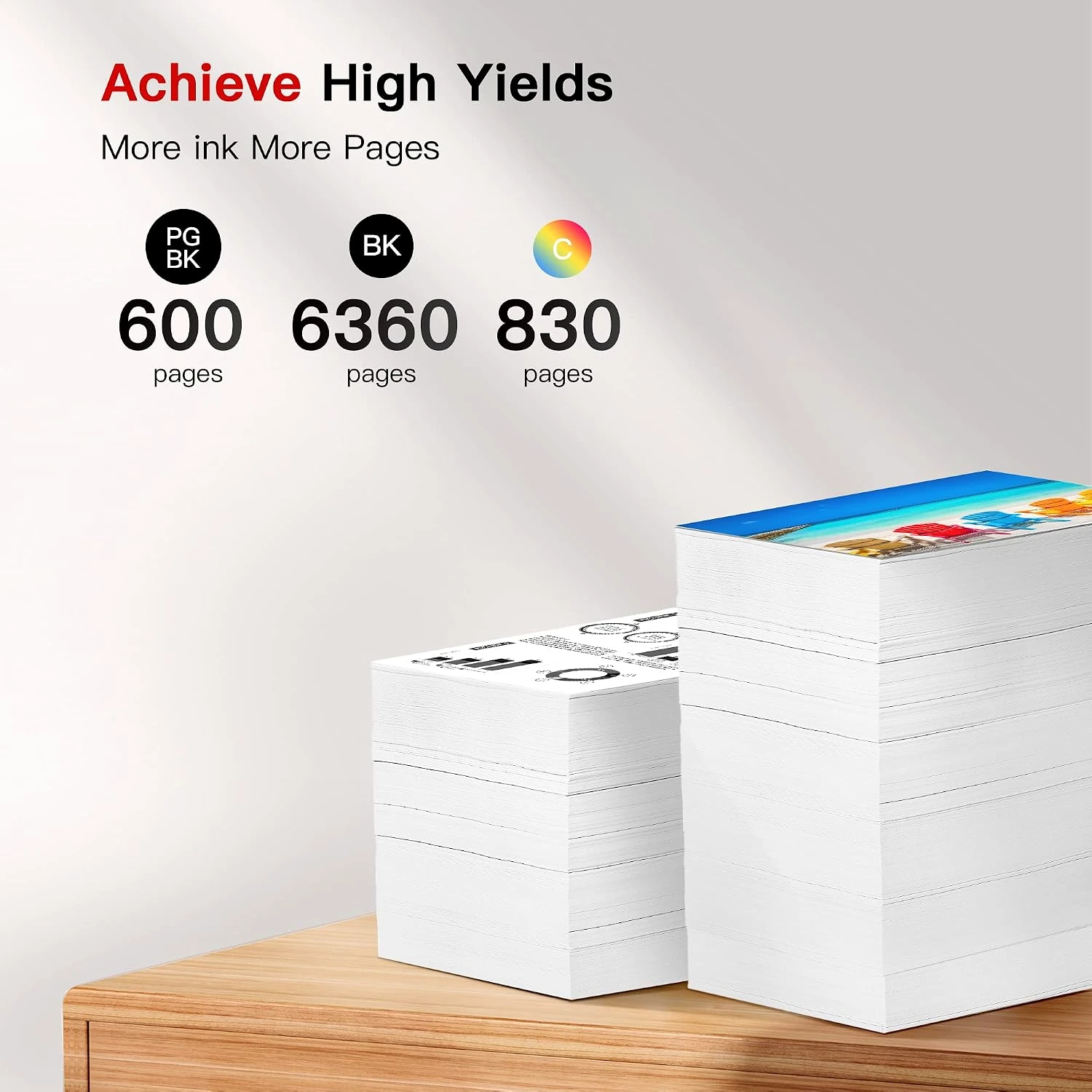
Open a photograph to see the full-size details. Packaging may vary.
Acaves · For Canon printers
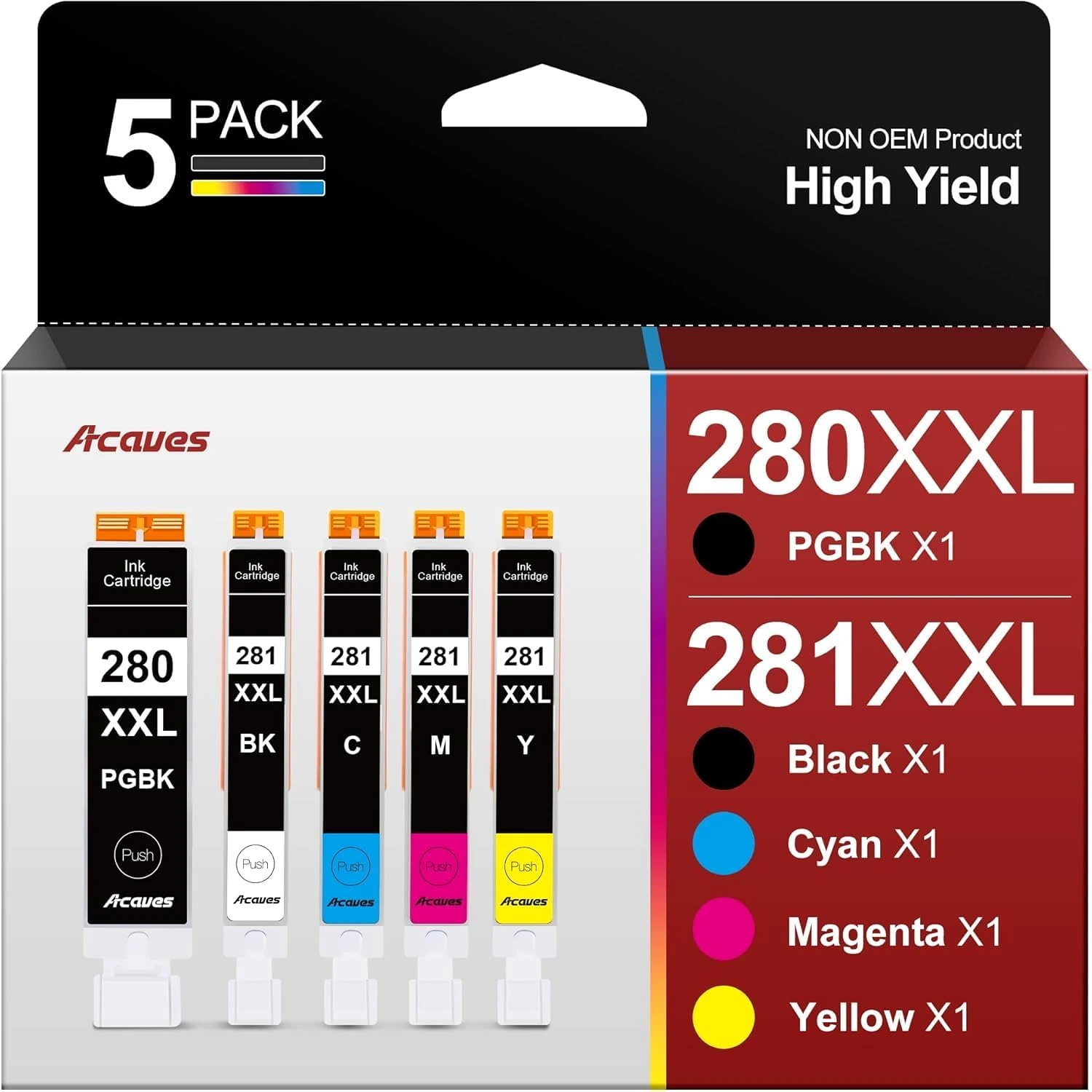
The Acaves 280XXL/281XXL five-color set follows the separate PGBK and BK arrangement used by supported PIXMA printers. Keep those two black cartridges distinct when installing the set, alongside cyan, magenta and yellow.
Confirm the selected option, final price and availability at checkout. Opens in a new tab.
Separate PGBK and BK positions. Chips included.
Numeric yields are listing declarations at 5% coverage on A4 paper, not guaranteed output or independently verified ISO test results. Do not add individual color figures into a full-color page total.
Check the complete model list ↓A closer look
Five cartridges: PGBK, BK, cyan, magenta and yellow. Match every label to its intended position before removing the shipping protection.
Keep the existing supply and purchase details until the printer has completed its first test. That makes an installation or recognition question easier to resolve.
Read the installation and care guide ↗
Compatibility comes first
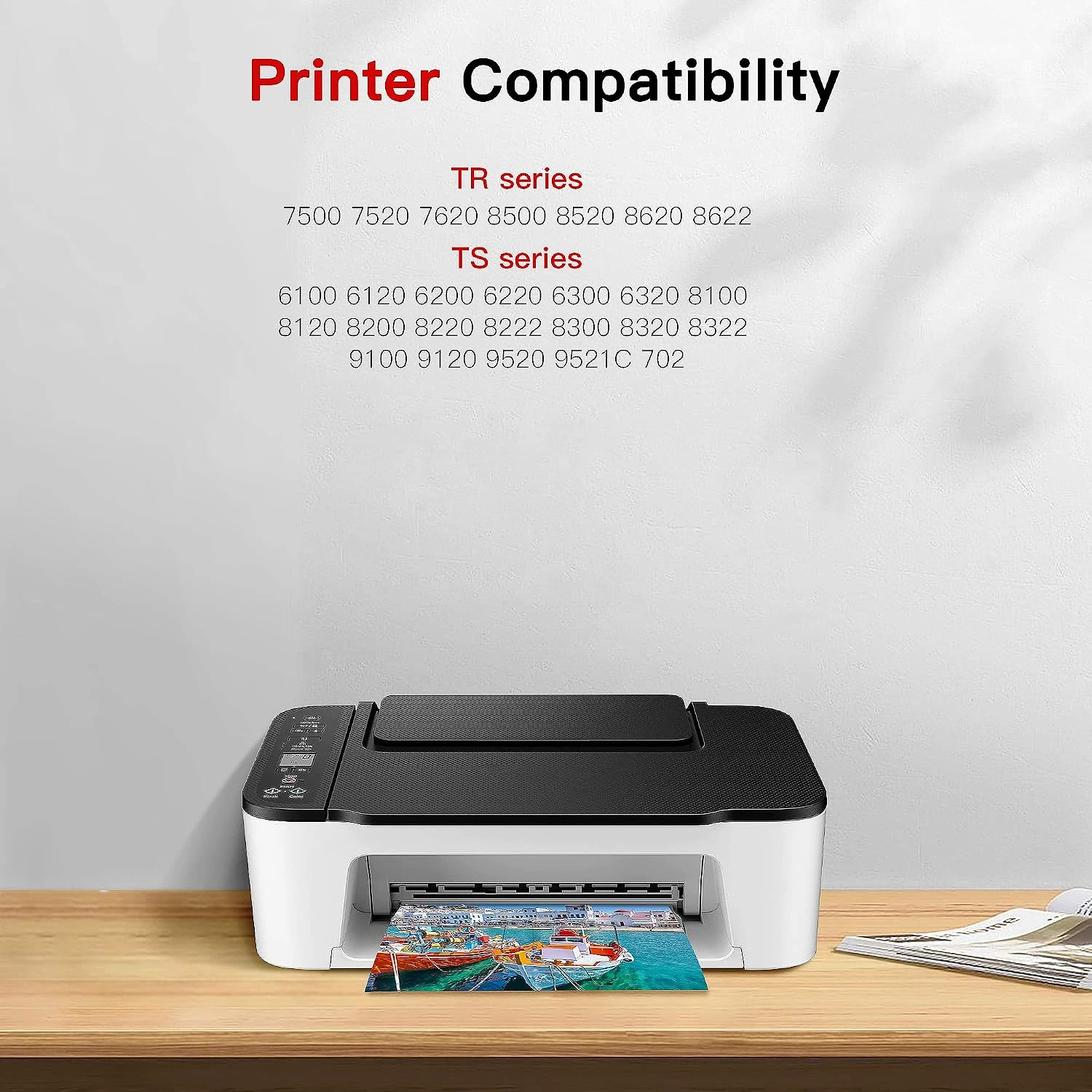
PIXMA TR7520 TR7500 TR7620 TR8520 TR8500 TR8620 TR8620a TR8622 TS6100 TS6120 TS6200 TS6220 TS6300 TS6320 TS9520 TS9521C TS702 TS8120 TS8100 TS8220 TS8200 TS8322 TS8222 TS8320 TS8300 TS9120 TS9100
Separate PGBK and BK positions. Chips included.
Check the printer’s regional cartridge specification. A similar model name, cartridge shape or color does not establish a match.
Plan the next print
A first test should resemble the work you actually print: a short letter, a table or a small photograph. Use supported paper and the correct media setting.
Page yield depends on coverage and use. If output is incomplete, follow the printer’s diagnostic sequence before running cleaning cycles.
Understand pack sizes and yields ↗Check the full cartridge or bottle family, color, printer model and any chip requirements. Read the warning above before purchasing.
Use the order details in the account used to purchase. Keep a photograph of the product label and the exact printer message available.
Keep unopened supplies sealed and follow the product’s instructions. Cartridge, tank and bottle formats have different handling requirements.
Four individual cartridges: black, cyan, magenta and yellow.
Chips included. Not for printers with activated HP+.
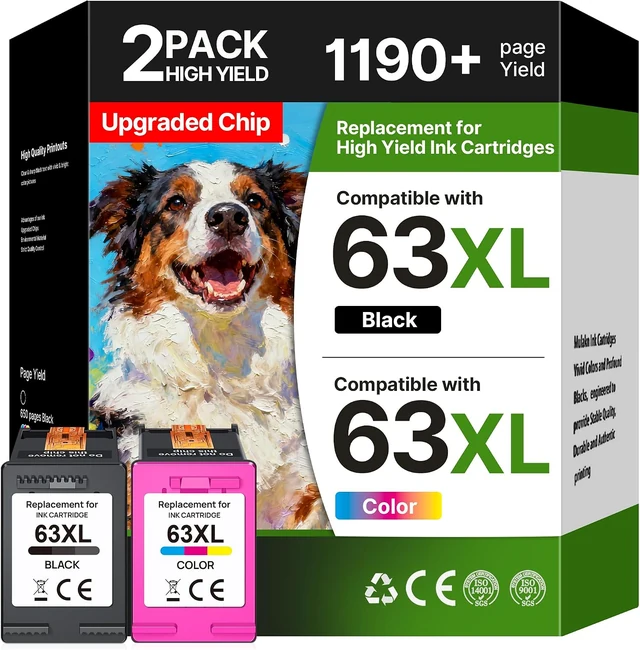
One black cartridge and one tri-color cartridge.
Chips included. Match the 63 family before ordering.
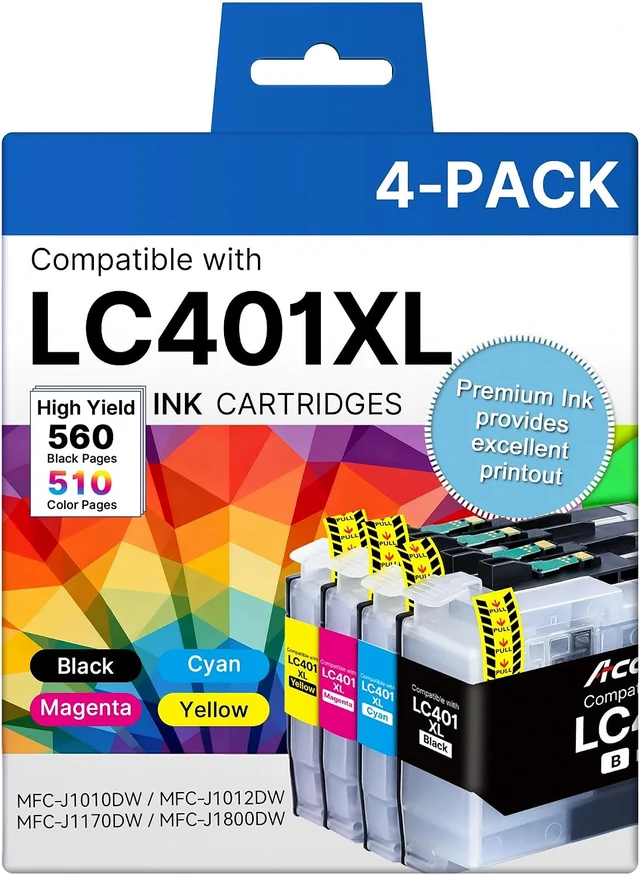
One each: black, cyan, magenta and yellow.
Match the complete Brother model, including its suffix.