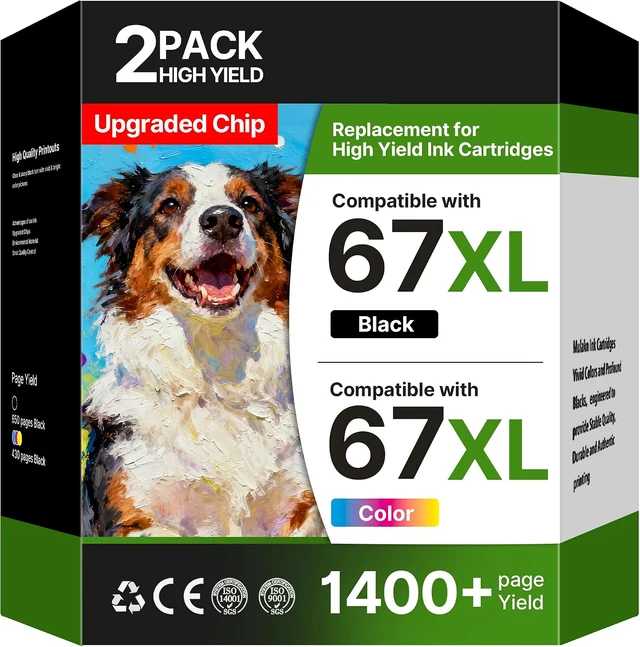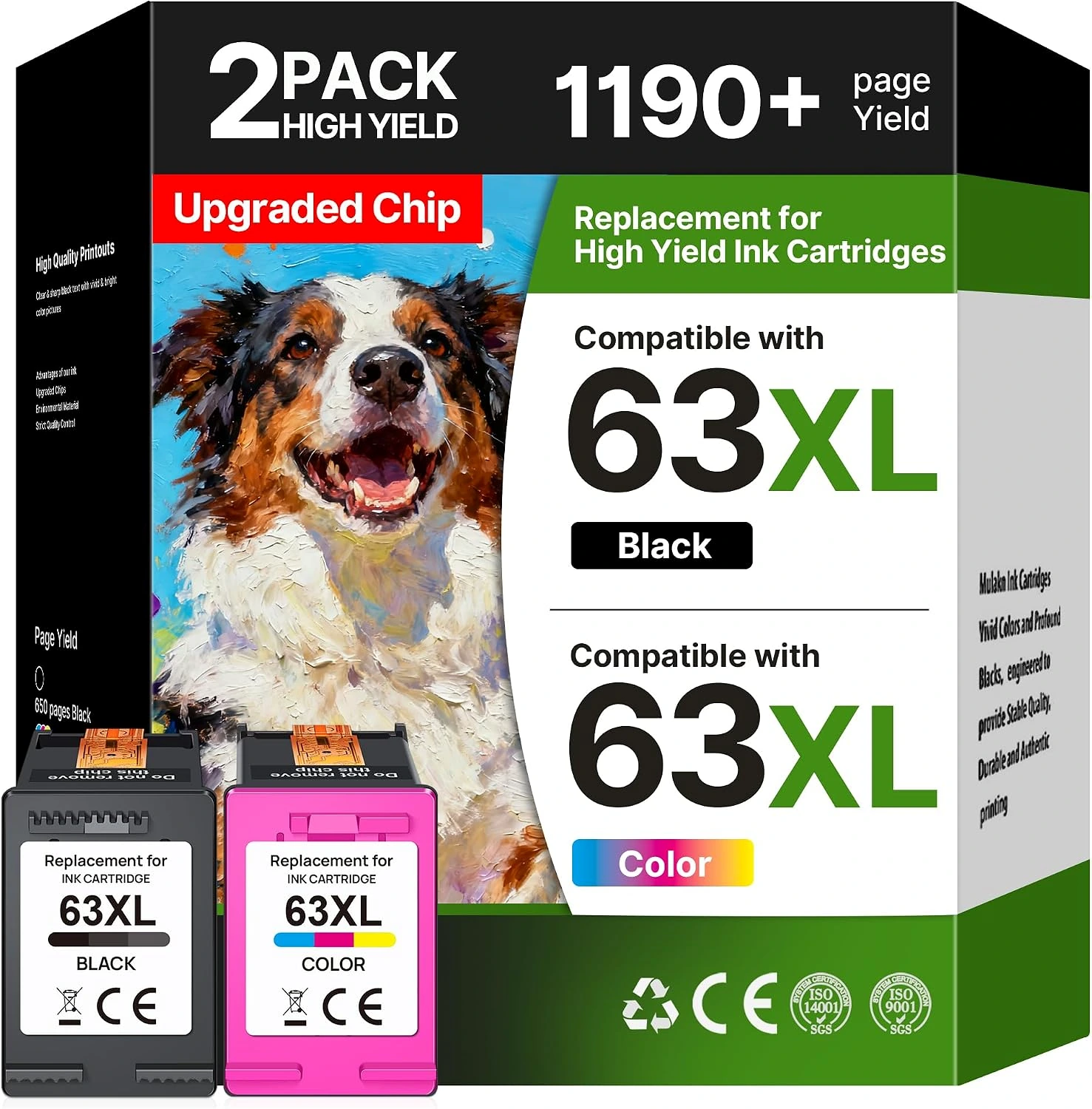
Two-cartridge pairs
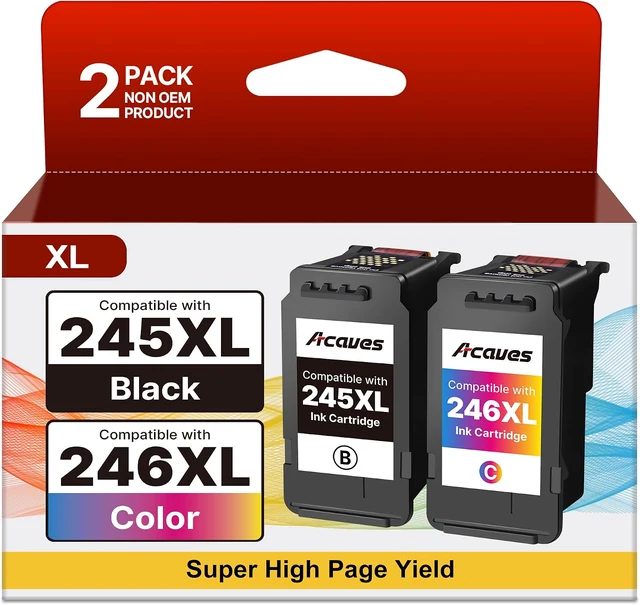
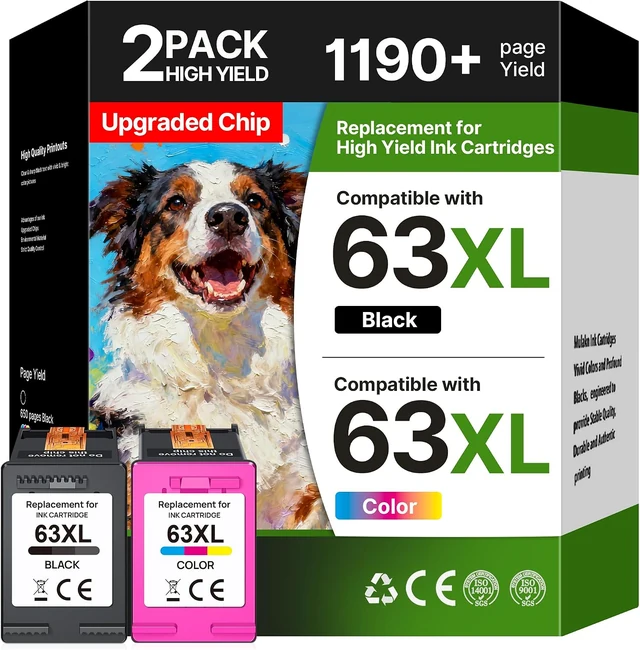
One black cartridge and one tri-color unit. Explore 63XL, 65XL or 67XL for supported HP models, or 245XL / 246XL for supported Canon models.
Match the exact family; these pairs are not interchangeable.
Explore cartridge pairs ↗Find Acaves ink cartridges and refill bottles for the printer you already love. Clear choices, from the first black line to the last splash of color.
For supported HP, Canon, Brother and Epson printers.
Meet Acaves
Acaves offers replacement ink for the printers used at home, at a study desk and in a small office. The range brings together black-and-color cartridge pairs, individual color sets and refill bottles for supported HP, Canon, Brother and Epson models.
What connects the collection is the choice of formats. You can explore the supply family your printer accepts, see what comes in each pack and check the electronic requirements before ordering. A two-cartridge printer and a refillable tank printer need different supplies. Acaves gives those different systems a place in the same collection, with the complete model number as your starting point.
Explore the Acaves story ↗
Start with your printer
A model number is a better starting point than a box that looks familiar.
Different printers. A clear starting point.
Find the maker on your printer, then compare the exact model and cartridge number.
The Acaves assortment
The number of cartridges is only the beginning. Use this visual guide to understand the four supply formats, then check your printer’s complete model.
One black cartridge and one tri-color unit. Explore 63XL, 65XL or 67XL for supported HP models, or 245XL / 246XL for supported Canon models.
Match the exact family; these pairs are not interchangeable.
Explore cartridge pairs ↗
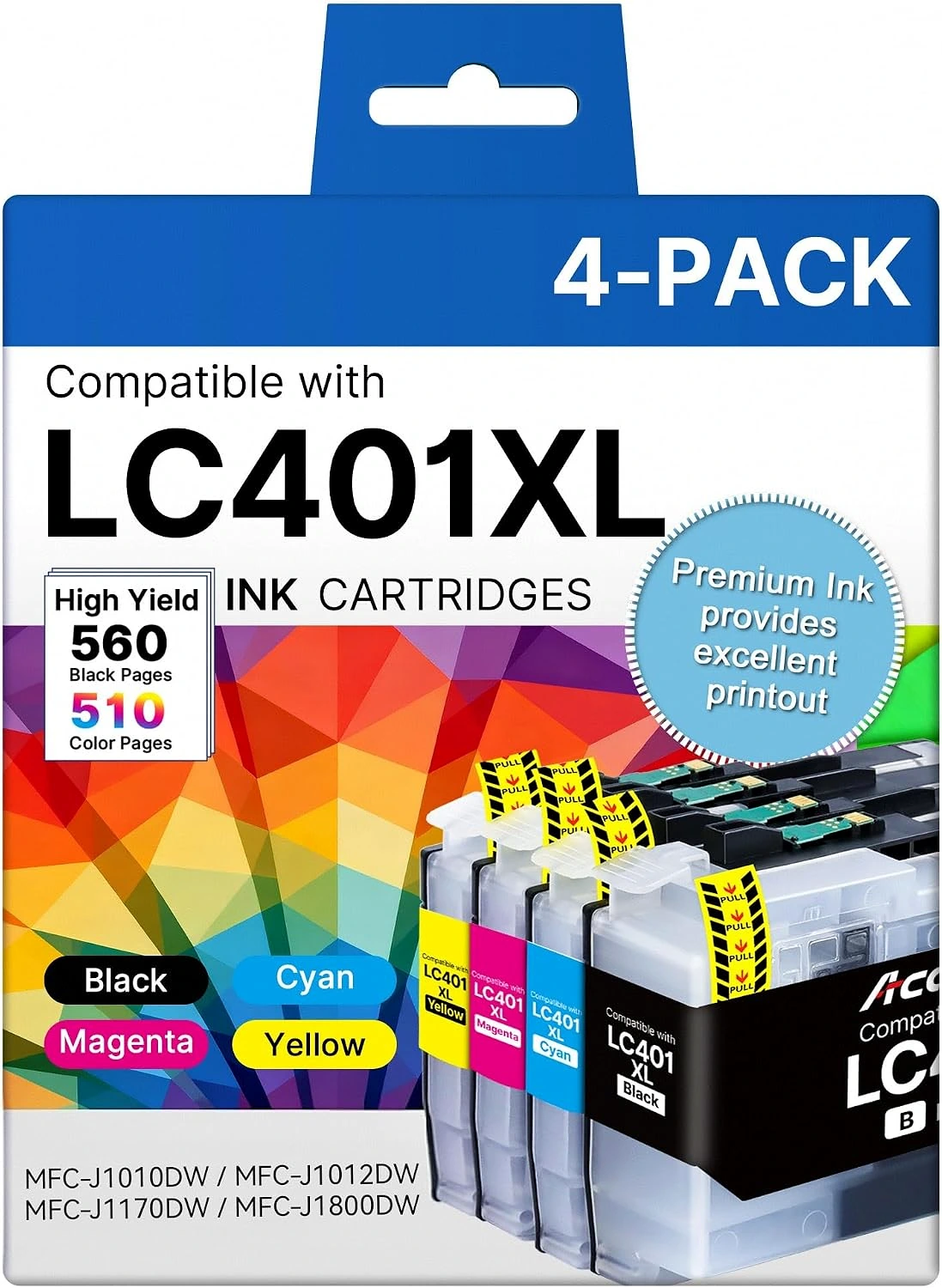
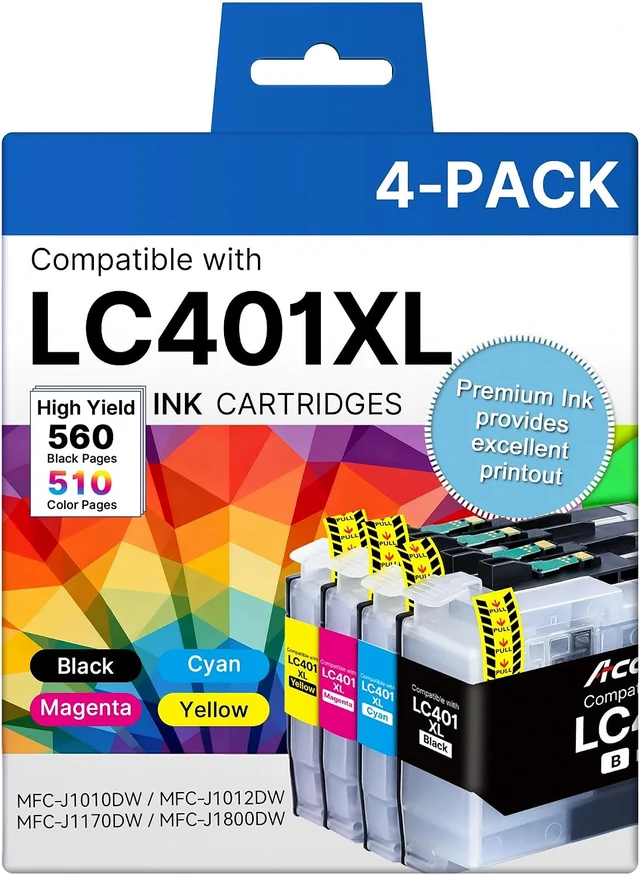
Black, cyan, magenta and yellow in individual cartridges. The range includes LC401XL for supported Brother printers and several distinct HP families.
Check both the printer model and chip configuration.
Explore LC401XL ↗
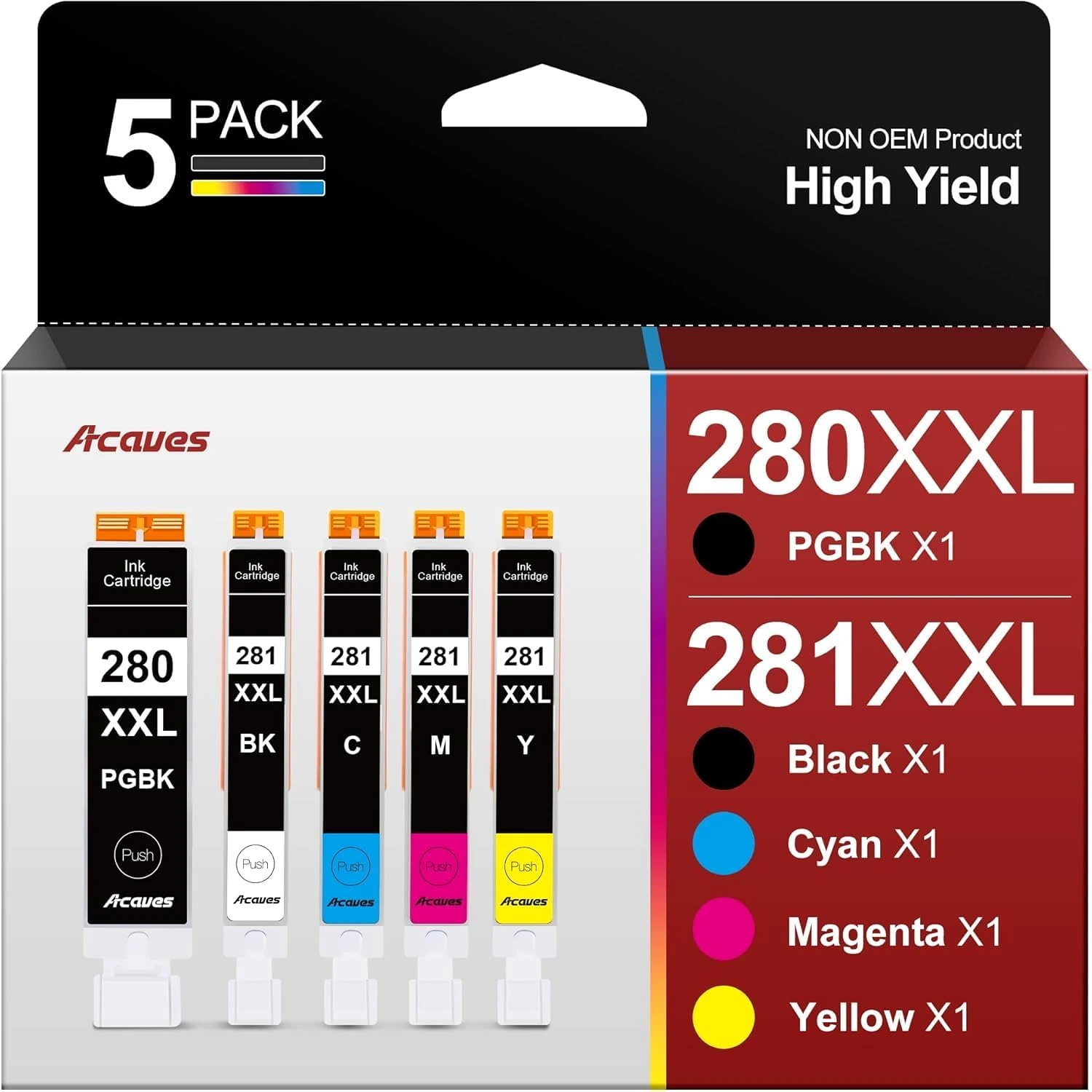
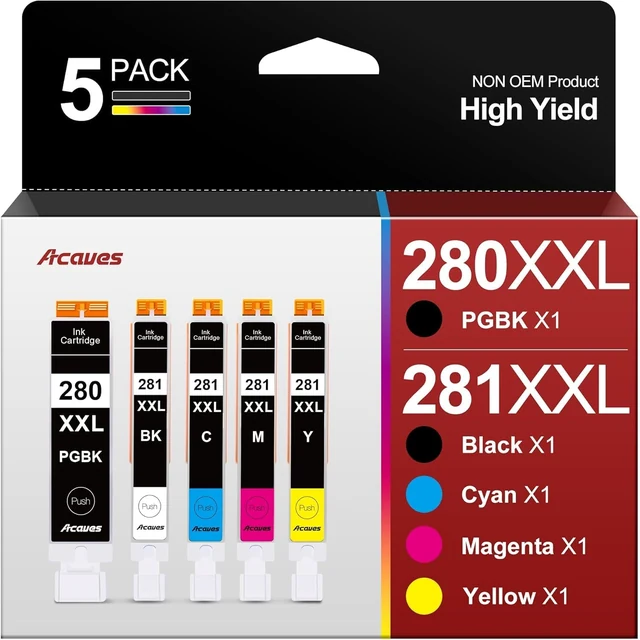
The 280XXL / 281XXL set combines PGBK and BK with cyan, magenta and yellow for the listed Canon PIXMA models.
PGBK and BK have separate labeled positions.
Explore Canon-compatible ink ↗
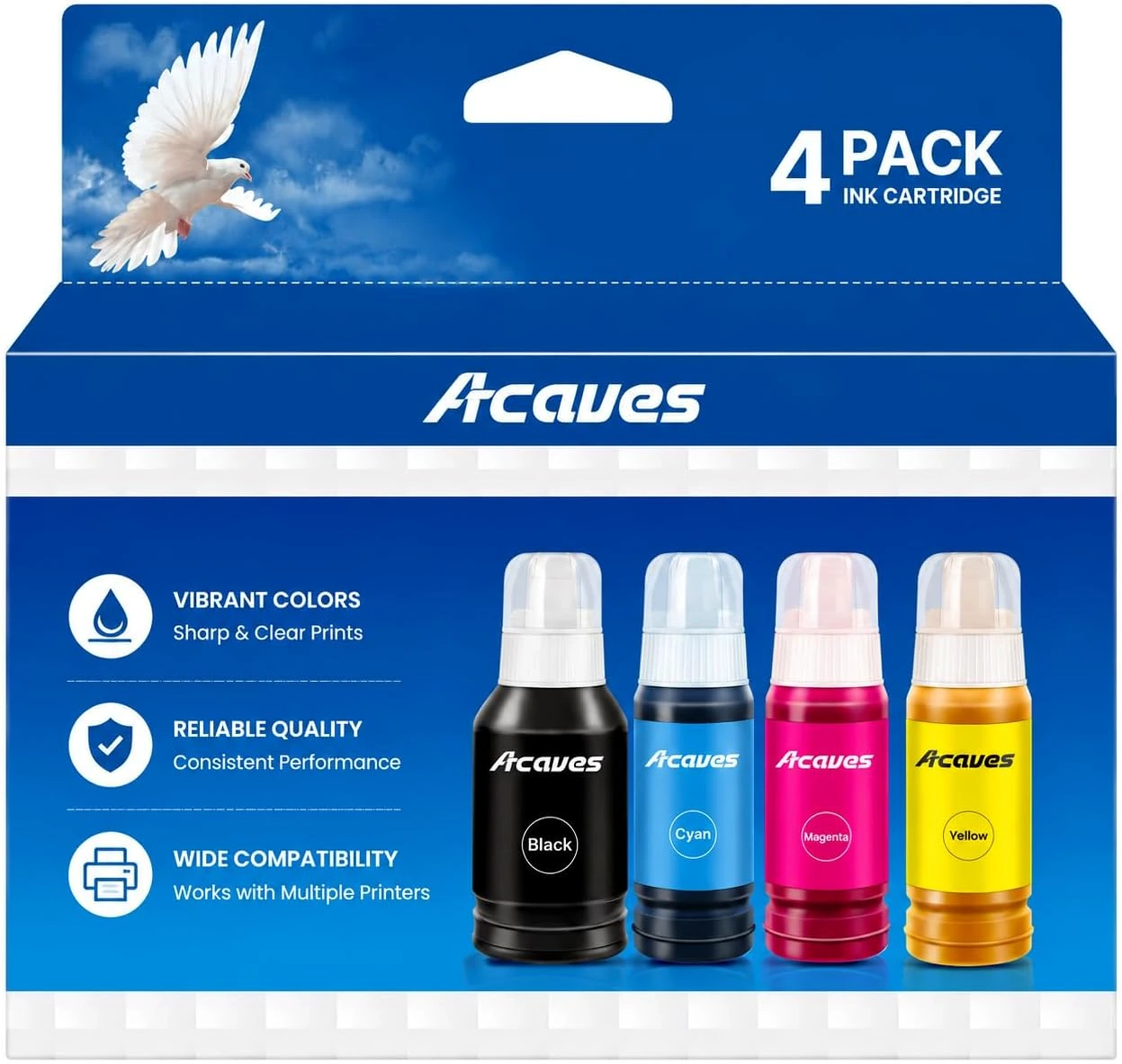
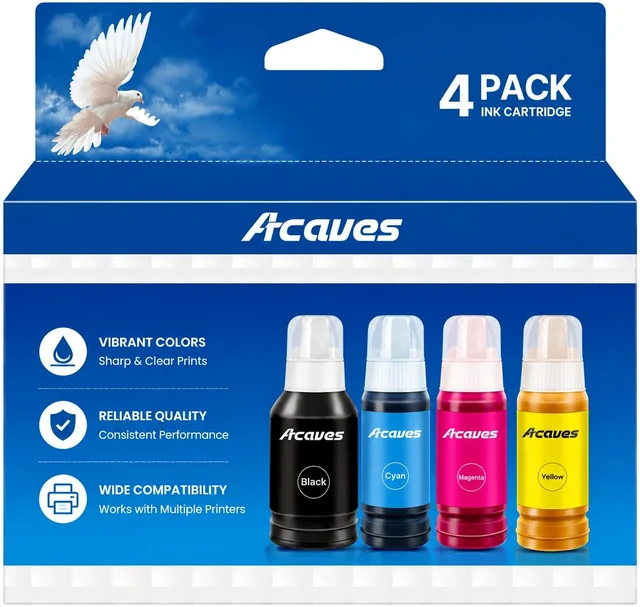
The 502 set contains black, cyan, magenta and yellow bottles for supported Epson EcoTank models.
Match the refill number and tank label before opening.
Explore 502 bottles ↗The pack, explained
Look closely at three Acaves formats. The colors, family numbers and electronic requirements help explain what each selected pack contains.
Compare Acaves options
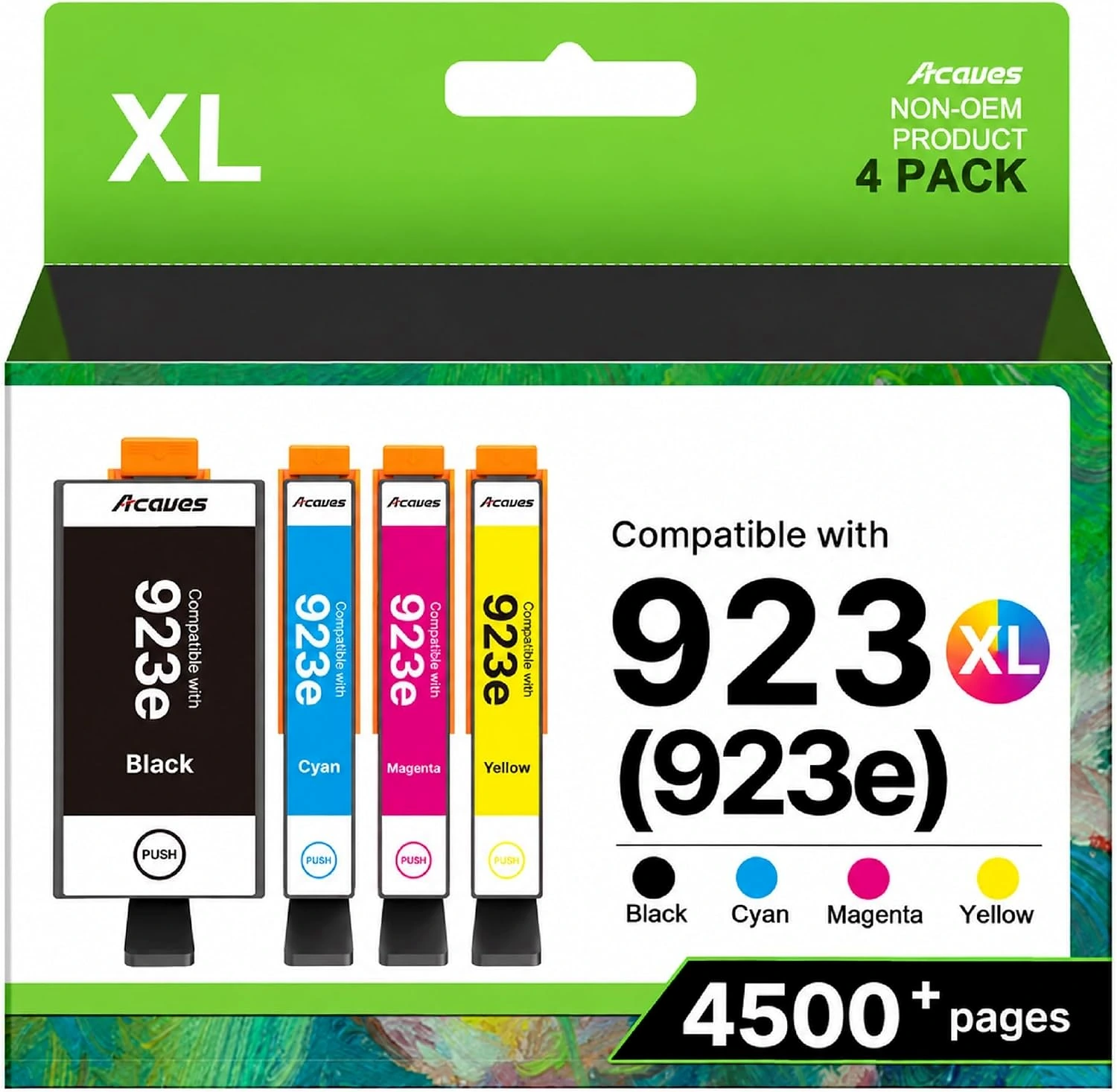
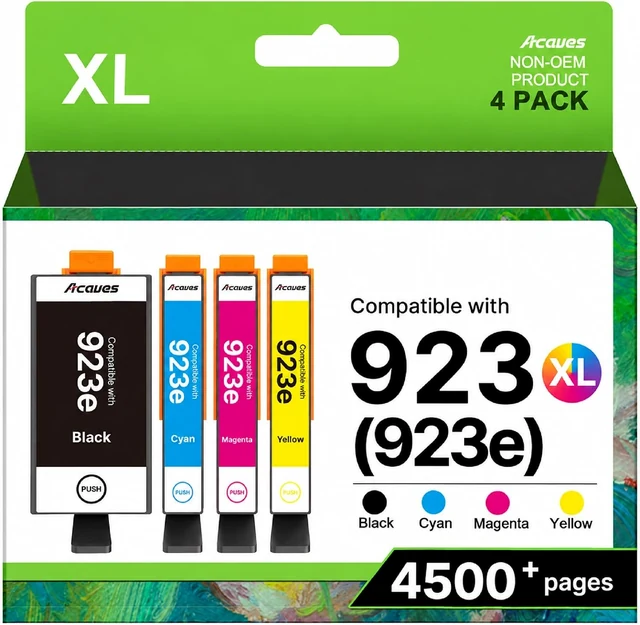
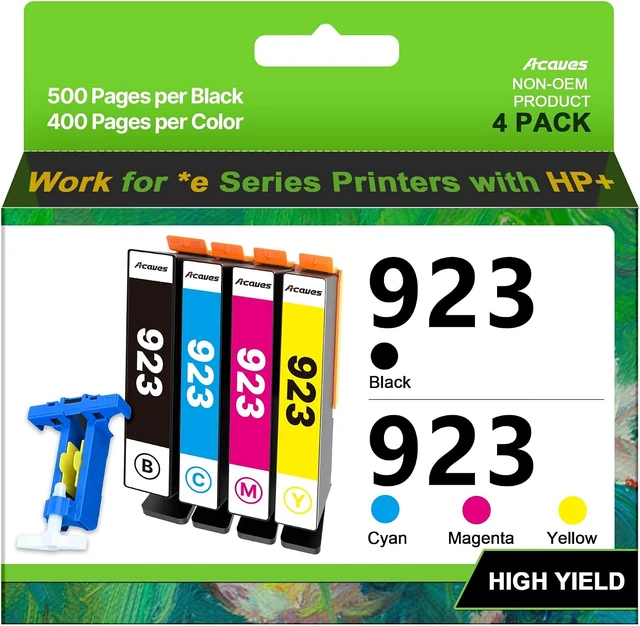
The 923XL with-chips set and the 923 chipless set have different installation requirements. Check the selected configuration before you open the packaging.
Acaves 923XL
Four cartridges supplied with chips. Confirm the listed printer model and all setup restrictions.
View the with-chips set ↗
Acaves 923
Four chipless cartridges. Suitable existing or replacement chips and a careful transfer are required.
View the chipless set ↗| Before you choose | 923XL with chips | 923 without chips |
|---|---|---|
| Pack contents | Black, cyan, magenta and yellow | Black, cyan, magenta and yellow |
| Chip configuration | Chips supplied | Chips not supplied |
| Transfer requirement | No separate chip transfer described for this set | Suitable chips and transfer required |
| What to confirm | Complete printer model and current setup restrictions | Complete printer model, compatible chips and transfer instructions |
HP+ requires Original HP Ink. A chip-equipped cartridge does not remove that requirement. Read each product’s complete compatibility information before ordering.
Acaves in your routine
Your printing routine helps you plan supplies. Your printer model determines which Acaves product fits.
Everyday paperwork
Keep the complete cartridge number with your printer notes. A matching black-and-color pair or separate-color set depends on the printer, even when most pages are black text.
Choose a compatible supply ↗Study and school
Look at how much color your material uses. Check both black and color supplies before a deadline, and keep unopened replacements stored according to their instructions.
Read storage and care advice ↗Work in color
Check the paper and print settings, then inspect a representative page before a long batch. Actual ink use varies with page coverage and maintenance.
Understand ink and paper ↗Illustrated printing scenarios. These are not sample prints or product test results.
Explore Acaves
Five cartridges: PGBK, BK, cyan, magenta and yellow.
Separate PGBK and BK positions. Chips included.
One black cartridge and one tri-color cartridge.
Check service enrollment. HP+ requires Original HP Ink.
One each: black, cyan, magenta and yellow.
Match the complete Brother model, including its suffix.
Prices are checked snapshots. Confirm the selected option, current price and availability at checkout.
The Acaves story
Small household tasks and busy office days need different supplies. The Acaves collection brings several replacement formats together, from two-cartridge pairs to five-color sets and refill bottles.
Customer accounts of the 280XXL/281XXL set date back to 2023. Today, the range is best understood through its cartridge families, the printers they support and the choices each pack offers.
Get to know the collection ↗
01 / The right format
Start with the system in your printer. The refill process and replacement parts differ.
02 / The right details
Family, capacity, color and chip configuration each describe part of the choice.
03 / The next page
Check a representative page before committing to a long document or photo batch.
A moving look at the range
Take a short visual tour of the cartridge and bottle formats.
Production, materials and quality
Acaves listings for several cartridge families describe production or pre-shipment inspection. The 280XXL/281XXL listing also describes recycled plastic in its construction.
At home, check the package, cartridge labels, seals and electronic requirements before installation. Test output using your printer’s documented procedure, and keep the packaging until the first check is complete.
Explore quality and materials ↗
Compare the details that matter
These Canon-family examples serve different buying needs. Match the exact printer and required colors first.
| Shopping detail | Acaves 245XL / 246XL | LD PG-245XL | Canon PG-245 / CL-246 |
|---|---|---|---|
| Selected format | Black and tri-color pair | Single black cartridge | Black and color value pack |
| Supply type | Third-party replacement | Remanufactured replacement | Original Canon supplies |
| Capacity naming | XL black and color | XL black | Standard family |
| Useful when | Both positions need a matching replacement | You are comparing a black-only replacement | You want the printer maker’s own supplies |
| Before ordering | Check model, region and pack instructions | Check model and whether color is needed separately | Check model and desired capacity |
Product-format comparison, not a head-to-head performance test. LD product details · Canon product details · Acaves product details
Certification, with context
The Acaves 280XXL/281XXL five-pack listing displays ClimatePartner Verified, number 45UUPF. The label concerns climate-action measures. It does not certify printer compatibility or print quality.
Keep that product-specific scope in mind when comparing the collection. A label on one listing should not become a claim about every cartridge.
Read the issuer’s explanation ↗A useful distinction
Carbon accounting, reduction measures and project financing have their own scope.
Compatibility, output and yield require their own product-specific evidence.
Customer experiences
Selected customer accounts of the 280XXL/281XXL set. Summaries preserve each reviewer’s experience; results can vary.
A TR8620a owner reported successful recognition, satisfactory colors and no leakage during use.happy wmt customer
Sravya praised the print quality and installation, while noting that ink-level indicators could sometimes be inaccurate.Sravya Doma
Chester described vibrant photo-paper colors and easy installation in a TR8622a, and said they intended to reorder.Chester McAdams III
The print journal
Three detailed guides for choosing, using and understanding your ink.
Find your match
Choose Acaves ink by comparing printer models, cartridge numbers, chip requirements and page yields, explained step by step.
Read the guide ↗
Make every page count
A practical Acaves ink guide to installation, print checks, storage and the next step when something goes wrong.
Read the guide ↗
Understand your system
Know the difference between ink chemistry, supply formats and the paper you print on.
Read the guide ↗Inside the collection
Acaves brings together replacement ink for the printers that handle everyday work: a page of school notes, a color report, a family photograph or a form that needs a signature. The collection spans cartridge sets for supported HP, Canon and Brother models, alongside refill bottles for selected Epson tank printers. Each family has its own purpose. Choosing well begins with the name on your printer and the complete code on the supply it accepts.
The Acaves range includes compact black-and-tri-color pairs as well as sets with separate color cartridges. A 63XL pair is not interchangeable with a 65XL or 67XL pair, even though all three packages contain two cartridges. For OfficeJet Pro users, the 910XL, 923XL and 962XL families need the same careful distinction. A clear match saves time before installation and gives you a useful reference when you reorder.
Canon-compatible options show another side of the collection. The 245XL and 246XL combination uses a black cartridge and a tri-color unit, while the 280XXL and 281XXL five-pack has separate PGBK and BK positions alongside cyan, magenta and yellow. Those two black positions have different labels for a reason. Check the printer’s slot markings and the full product details before opening a replacement.
For supported Brother printers, the LC401XL set keeps black and the three colors in individual cartridges. The 502 bottle set takes a different approach: ink is poured into the designated tanks of a compatible printer. Bottle shape and color count alone cannot establish compatibility. The complete printer model, refill family and tank label should agree before a bottle is opened.
Electronic requirements are part of that choice. The Acaves collection includes a 923XL set supplied with chips and a 923 set supplied without them. A chipless set requires suitable existing or replacement chips and careful attention to its instructions. Some products exclude printers with activated HP+. Read the configuration note as closely as the cartridge number, especially when buying for a shared printer whose setup you did not manage.
Capacity figures need context too. The listed page yields describe particular supplies under stated conditions; they do not predict every home or office print job. Photographs, full-page graphics, short text documents and maintenance consume ink differently. Compare like-for-like packs, keep black and color figures separate, and confirm the final selected option and price before completing a purchase.
Acaves product listings describe checks during production or before shipment for several of these families. For your own printing routine, the useful checks remain concrete: correct labels, intact packaging, suitable chips, clear instructions and an acceptable first test page. Climate-related labeling on an individual product also has a defined scope. It should not be treated as a guarantee of print quality or acceptance by every printer.
This collection connects those product details with practical reading. Start with the compatibility guide when selecting ink, use the care guide when installing or diagnosing a problem, and explore ink types when choosing paper or understanding a refill system. The goal is a clear route from the printer you own to the next page you want to make, with enough detail to understand the choice.
| Print system | Acaves formats | Start here |
|---|---|---|
| Cartridge printers | Black/tri-color, four-color and five-color sets | Match the exact cartridge family |
| Tank printers | 502 black and color bottles | Match the bottle family and tank labels |
| Chip-transfer configurations | 923 without chips | Confirm suitable chips and instructions |
Look up your printer, then compare the pack that fits your routine.
Explore Acaves ink ↗Before you choose
Find the full printer model and the number on a known working cartridge. Match both against the product page, then check region, chip requirements and service restrictions.
No. The 923 chipless set requires suitable existing or replacement chips. Each product page identifies the relevant configuration.
Actual output depends on the documents, coverage, settings and maintenance. Listed figures are comparison information under stated conditions.
Open the purchase in the account used at checkout. Its order details show the available seller-contact, delivery and return options.